
You're Busy With One Customer.Who's Answering the Next?
Your AI Receptionist answers incoming inquiries, handles common questions, captures caller details, and helps book appointments — while you focus on the customer or job in front of you.
Explore how it could handle calls for your business.
The Phone Rings. You Can't Always Stop What You're Doing.
You're helping a customer, driving to a job, showing a property, or already on another call. The person calling still needs a response.

You're with a customer
Answering interrupts them; leaving the call unanswered may lose the inquiry.
You're driving or on a jobsite
You may be unable to answer safely or take useful notes.
Your team is already handling calls
A second inquiry arrives while your attention is elsewhere — it may end at voicemail or on hold.
Your business has closed
A potential customer finally has time to call — but your team has gone home.
Some callers leave a message. Others keep searching. Give more inquiries a useful first response while your team is unavailable.
Watch an example call
See How an Inquiry Can Become a Clear Next Step.
Press Play to see how the AI responds and captures an inquiry — from the caller's first question to the details captured for the business.
Sample AI Call
Hear a real AI receptionist handle a call
Press Play to hear a real sample of an AI receptionist answering a business call.
Sample AI call — a real recording, not a live call.
0:00 / 0:00
Configured with your approved information and agreed call-handling rules.
What your AI receptionist can handle
What Your AI Receptionist Can Handle.
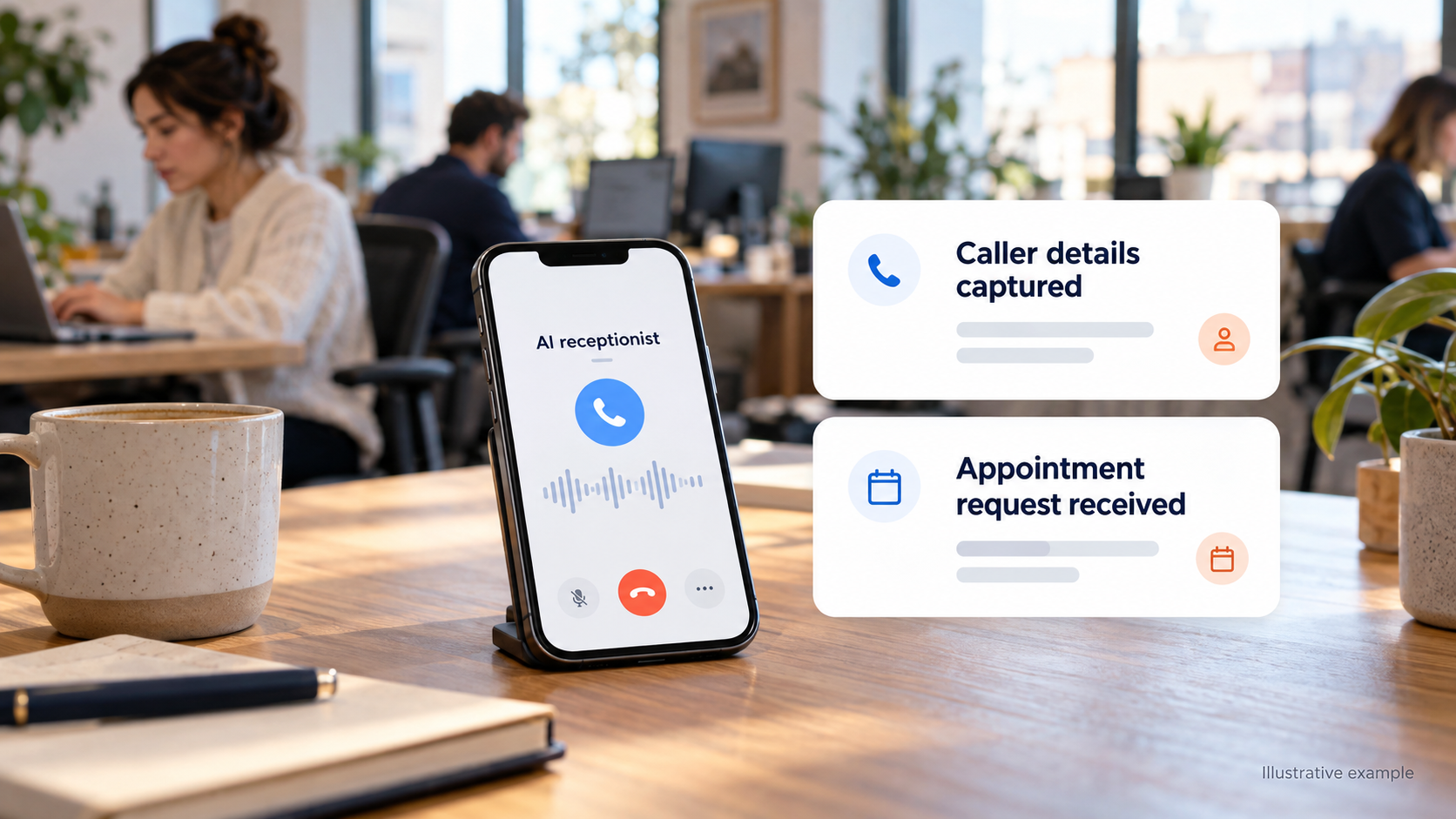
24/7 Call Answering
What it does: Provide a first response during configured daytime and after-hours coverage.
Why it helps: Callers can get a response even when your team is unavailable.
Inquiry Capture
What it does: Collect contact details, the reason for calling, and the information your team needs.
Why it helps: Your team has useful information for the next conversation.
Appointment Booking
What it does: Help arrange appointments through supported calendar connections and agreed rules.
Why it helps: An interested caller can take a concrete next step.
Business Questions
What it does: Answer routine questions using approved information about services, hours, and location.
Why it helps: Your staff spend less time repeating routine answers.
Structured Messages
What it does: Capture useful context so staff can follow up without starting from scratch.
Why it helps: Follow-ups begin with the details that matter.
Multilingual Conversations
What it does: Support the languages confirmed and configured for the agent.
Why it helps: More customers can explain their needs comfortably.
What Happens to Your Calls When You Can't Answer?
Compare relying on your team's availability alone with adding an AI receptionist configured around your business.
Without additional coverage
Answering interrupts them; leaving the call unanswered may lose the inquiry.
With Automate360
The AI can handle the initial inquiry while you stay focused.
Without additional coverage
You may be unable to answer safely or take useful notes.
With Automate360
The AI can capture contact details and the reason for calling.
Without additional coverage
They reach voicemail or wait until you reopen.
With Automate360
The AI can provide approved information and capture the next step.
Without additional coverage
Booking waits until someone responds.
With Automate360
The AI can help book through a supported calendar connection.
Without additional coverage
They may have only a number or an incomplete message.
With Automate360
They can start with the information collected during the conversation.
Without additional coverage
The additional caller may reach hold or voicemail.
With Automate360
Configured overflow coverage can help, subject to phone routing and capacity.
Capabilities depend on your agreed setup, supported connections, and call-handling capacity.
What Could Your Missed Calls Be Worth?
Use your own estimates to explore the potential value of unanswered new-customer inquiries.
Example assumptions — adjust these for your business.
Count potential new-business inquiries, not every missed call.
Use your own estimate based on your business.
Use revenue, not profit. Example assumption: CA$500.
Potential monthly opportunity value
CA$2,165
Estimated revenue associated with these inquiries — not a prediction of revenue Automate360 will recover.
Based on 5 unanswered new-customer inquiries per week, an estimated 20% conversion rate, and CA$500 average revenue per customer. Revenue is not profit, and some callers may contact your business again.
How many of those missed inquiries could Automate360 answer?
Drag the slider to compare what's currently missed with what could be recovered.
60%
Illustrative comparison. Automate360 does not guarantee this share of inquiries will be answered or converted — recovery depends on your call routing, capacity, and configuration.
Built Around the Calls Your Business Receives.
The value becomes clearer when you picture the call you might otherwise miss.

New property inquiry
Answered by AI
Caller details captured
Realtors
You're Showing a Home. Another Buyer Is Calling.
- Situation
- You're at an open house, driving, or speaking with a client.
- What the AI handles
- Capture the caller's details, property inquiry, and requested next step.
- Business benefit
- Follow up on a potential client opportunity with useful context.
A showing is not confirmed without the appropriate availability and permissions.

New quote request
Answered by AI
Job details captured
Contractors
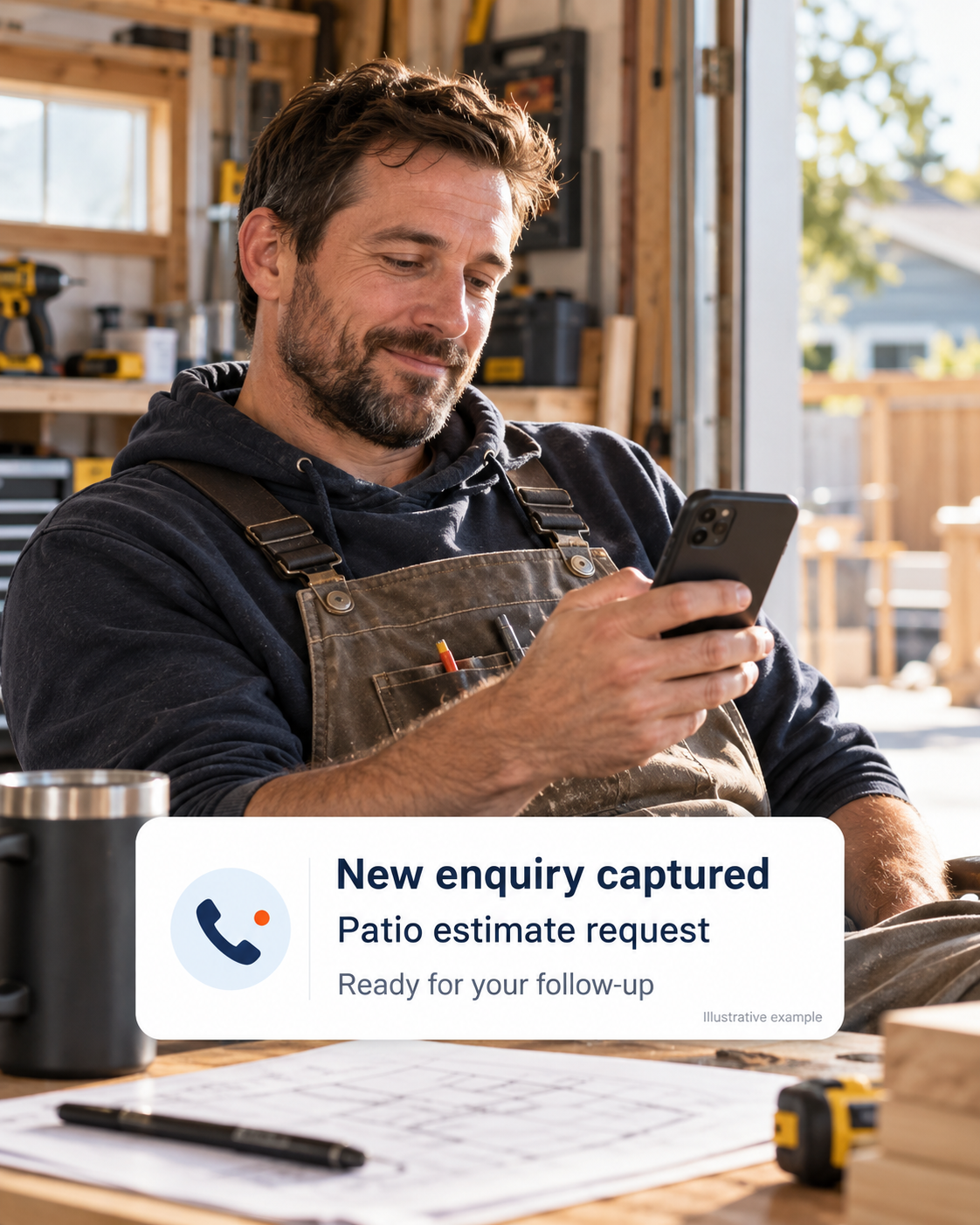
You're on the Job. Your Next Quote Request Comes In.
- Situation
- Working with equipment or travelling between jobs.
- What the AI handles
- Collect the requested service, location, and preferred callback time.
- Business benefit
- Return the call with useful job information already captured.

Appointment inquiry
Answered by AI
Request captured
Medical & Dental Clinics
Your Front Desk Is Helping a Patient. The Phone Keeps Ringing.
- Situation
- Checking in patients and handling front-desk tasks.
- What the AI handles
- Approved administrative questions, appointment inquiries, and messages.
- Business benefit
- Support routine callers while staff focus on patients at the clinic.
Administrative assistance only — not medical advice or clinical triage.
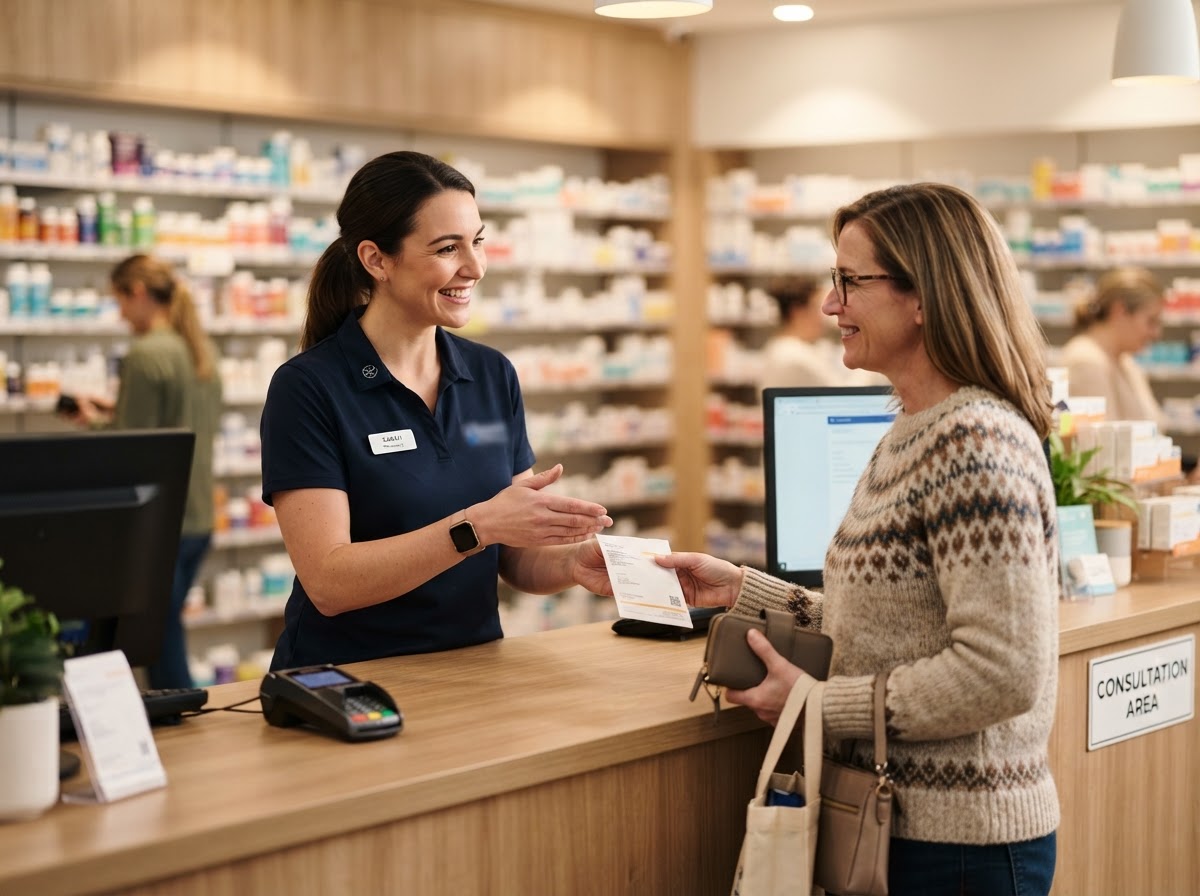
Incoming pharmacy call
Answered by AI
General inquiry captured
Pharmacies
Your Team Is Serving Customers. Callers Still Need Help.
- Situation
- Assisting customers and managing pharmacy work.
- What the AI handles
- Approved questions about hours, location, and general services.
- Business benefit
- Give routine callers a first response without interrupting in-person service.
No prescription processing, medication advice, or access to patient records.

New consultation inquiry
Answered by AI
Callback details captured
Law Firms
You're in a Consultation. A Potential Client Is Calling.
- Situation
- Meeting clients or working on a matter.
- What the AI handles
- Capture basic contact details, a brief reason, and consultation requests.
- Business benefit
- Your team has a clear starting point for follow-up.
No legal advice, no promise of representation, and intake does not replace conflict checks.
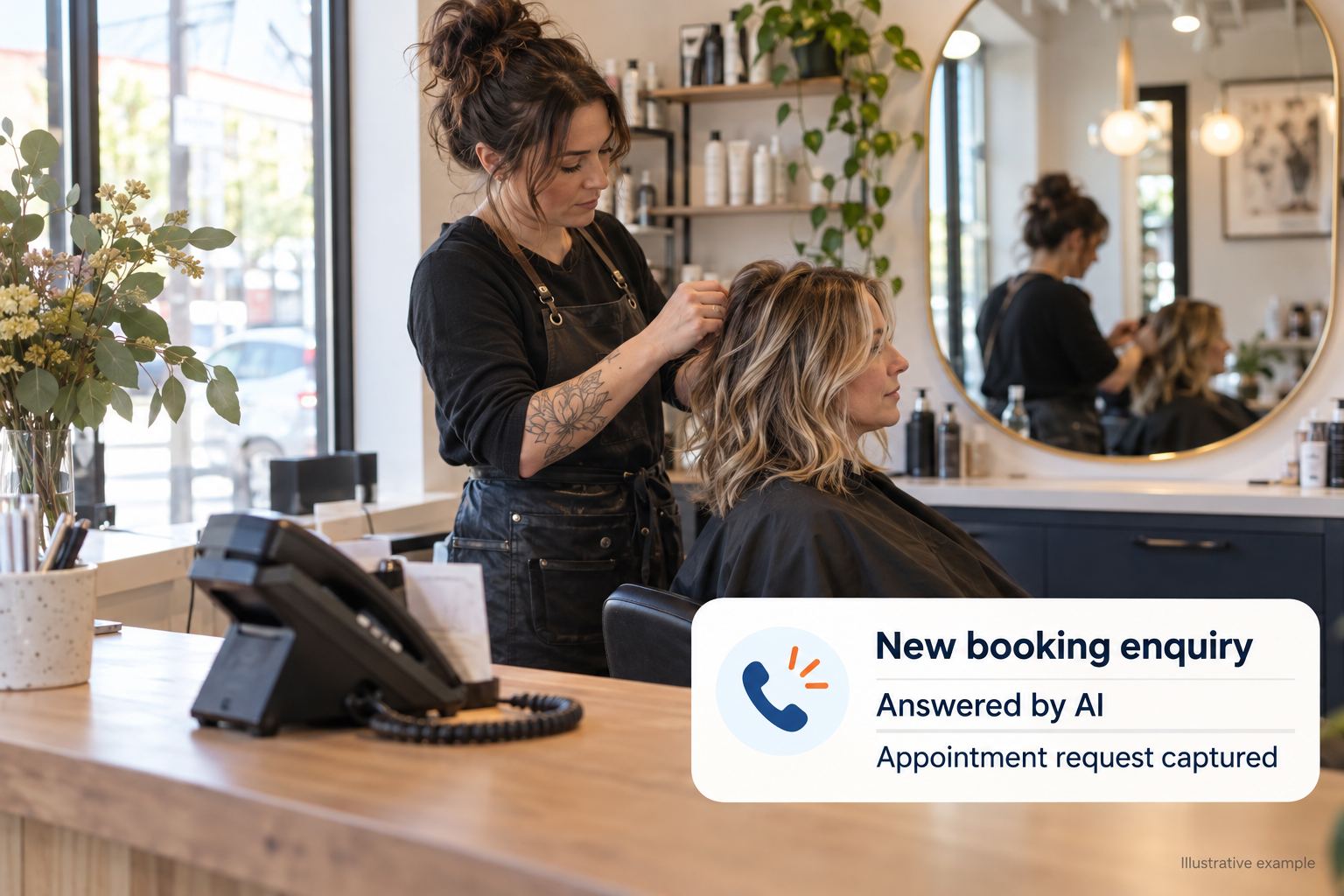
Salons & Appointment Businesses
You're With a Client. Someone Else Wants to Book.
- Situation
- Providing a service you can't keep interrupting.
- What the AI handles
- Approved service questions and appointment booking where configured.
- Business benefit
- Keep booking inquiries moving while you focus on the client in your chair.
Hear it from a real practice
One Less Thing to Miss. One Practice's Story.
See how a dental practice handles incoming calls with a configured AI receptionist — even when the front desk is full.
“We used to lose patient calls every time the front desk was busy. Now inquiries get a helpful first response — and my team has the details before they even pick up the phone.”
Dr. Sarah Mitchell
Dental Practice Owner
Explore how this could work for your practice.
Know Who Called — and What They Need.
Give your team more than a missed-call notification. Capture the details needed for a useful follow-up — so staff can respond with context instead of starting from a number alone.
The details collected and where they are delivered are agreed during setup.
You Know Your Business. We Configure the Conversations.
We work with you on business information, call-handling instructions, supported connections, and testing — so you don't have to figure out the setup alone.
Review your requirements
We review what people ask, when calls are missed, and which inquiries need your team.
Configure the agent
We set up approved information, tone, intake questions, and supported booking or routing.
Test realistic inquiries
We test the kinds of calls your business receives and refine the agreed handling.
Launch and request updates
Your agent handles configured inquiries, with a process for updates as your business changes.
You provide the business knowledge. We handle the technical configuration.
What Happens When…?
You Can't Answer Every Call Yourself. You Can Plan for the Ones You Miss.
Explore how Automate360 could give callers a useful first response while you focus on your business.
Let's explore the calls your business needs help handling.
Let's Talk About Your Business.
Choose a time to discuss your needs and see whether Automate360 is the right fit.
We'll confirm your demo time by email — usually within one business day.
Book Your Free Demo
Let's start with the basics.
Step 1 of 4 — Your Business
By continuing, you agree to our Privacy Policy and Terms of Service.